Transform your photos into custom emoji stickers using AI. Create personalized emoji reactions of yourself, friends, and pets. Over 30 art styles.
Free credits for new users • No credit card required • Over 30 art styles
Love our sticker creator? Share it with friends and earn 5 Pro Credits when they purchase $9+. They get 5 Pro + 10 Standard Credits as a welcome bonus!
It's a win-win! Unlimited uses per code. Start earning today.
Standard emoji can't capture your unique personality. Create custom emoji reactions that look like you! Learn to make funny iMessage stickers.
Companies and teams use custom emoji for internal communication, branding, and building community culture.
Create custom emoji packs as personalized gifts for friends, family, or special occasions.
Turn your pets into custom emoji! Perfect for pet owners who want to share their furry friends in every message.
Businesses create branded emoji for marketing campaigns, customer engagement, and social media presence.
Choose from over 30 art styles - from realistic to cartoon, anime to 3D. Match any aesthetic you want.
Choose from dozens of emoji expressions (😄 😂 😍 😢 😡 🤔) and AI transforms your photo to match each emotion.
Pure transparent backgrounds like real emoji. Works perfectly in any chat theme or messaging app.
PNG format works everywhere - Telegram, Discord, Slack, WhatsApp, social media, and more.
Create complete emoji packs in minutes. Generate multiple expressions at once for full coverage.
Choose a clear photo of yourself, friends, pets, or any subject. Best results with frontal, well-lit photos showing the face clearly.
💡 Tip: Expressive facial photos create the most recognizable custom emoji
Select from over 30 AI art styles. Popular choices for emoji: Cartoon, Anime, Chibi, Funko Pop, and 3D.
💡 Tip: Comic and Chibi styles work best for expressive emoji
Pick multiple emoji reactions to create a complete set:
💡 Tip: Select 10-20 emoji for a complete reaction pack
Click "Generate Stickers" and watch as AI transforms your photo to match each emoji expression. Generates in less than 30 seconds per emoji.
⚡ Generate multiple emoji at once for faster pack creation
Download individual emoji or use "Download All (Zip)" for your complete pack. Ready to use as custom emoji anywhere.
💾 Multiple files of various resolutions with transparency, including original
Add your custom emoji to your favorite platform:
📱 Each platform has different emoji upload limits and permissions
| Feature | Custom Emoji | Regular Stickers |
|---|---|---|
| Size | Small (inline with text) | Large (standalone images) |
| Usage | Quick reactions, text enhancement | Message replies, expressions |
| Format | PNG (transparent background) | PNG (transparent background) |
| Best For | Frequent use, team communication | Sharing, expressive messaging |
| Platform Support | Discord, Slack, Teams, Telegram | All messaging apps |
Note: ImageSticker.pro generates images that work as both custom emoji (for platforms that support it) and regular stickers (for universal sharing). 512×512px with transparent background.
Choose from a wide variety of artistic styles to match your personality
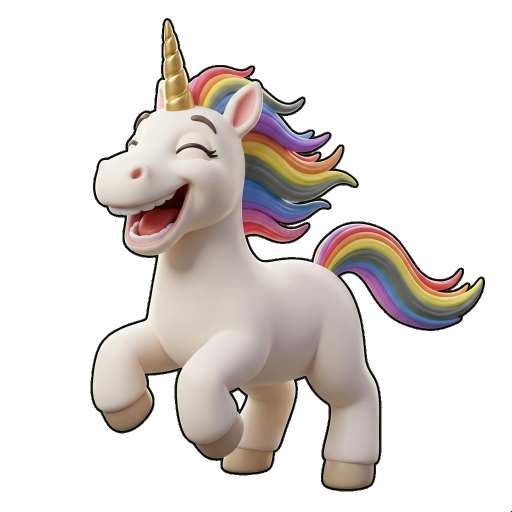
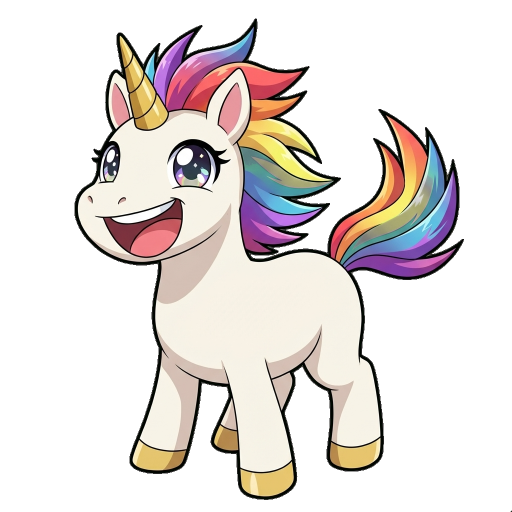
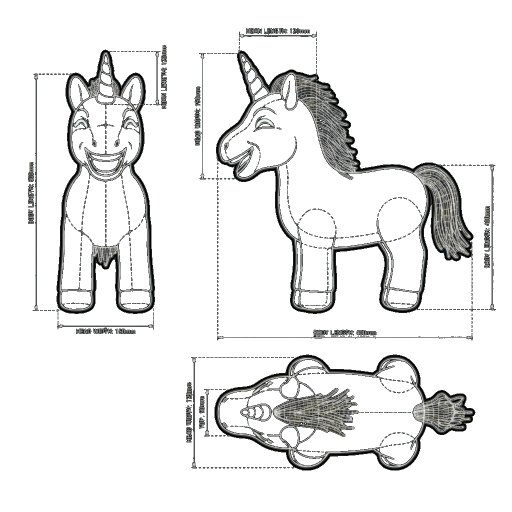

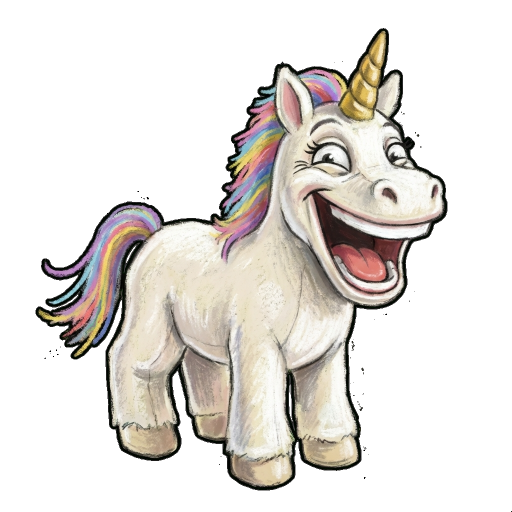
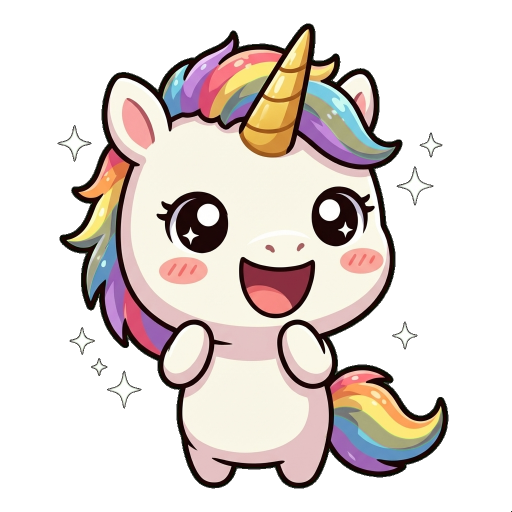
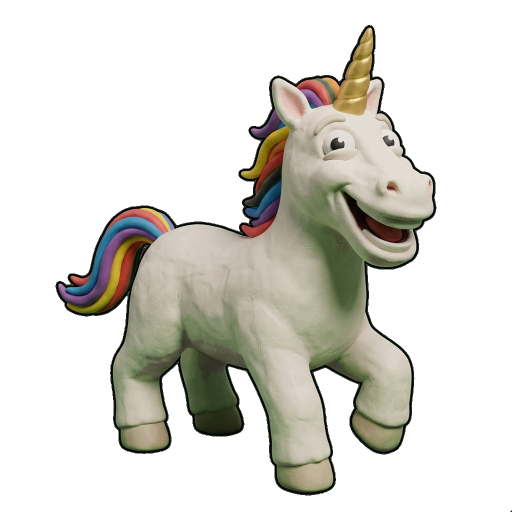
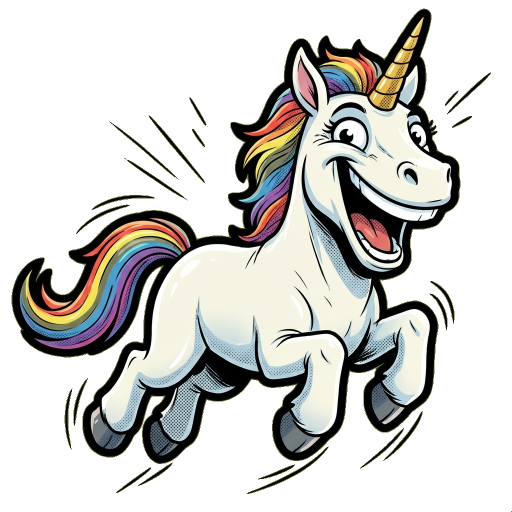
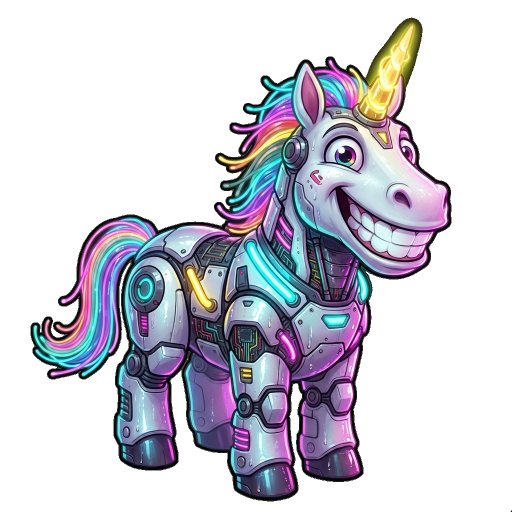
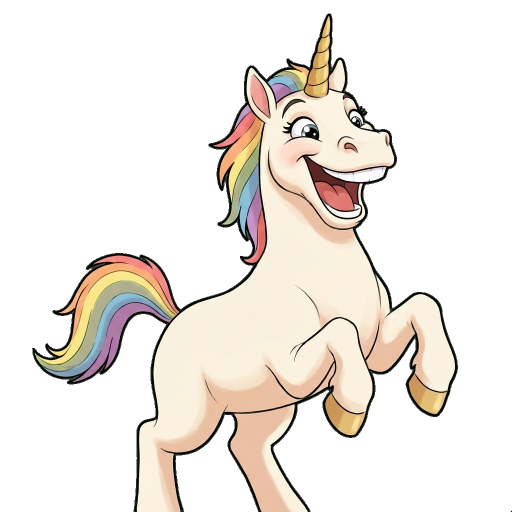
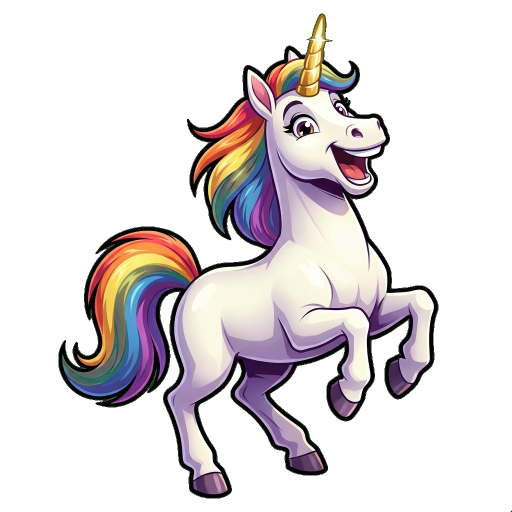
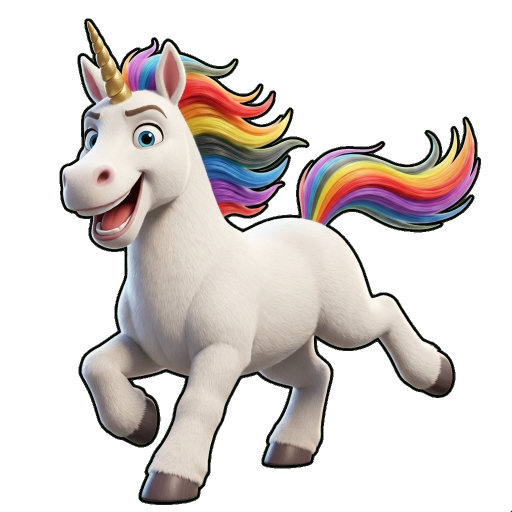
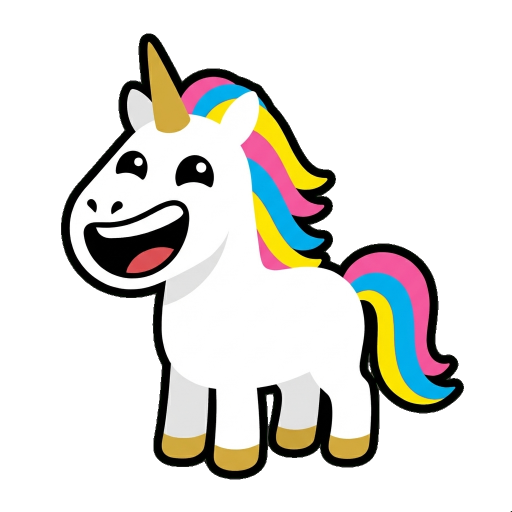
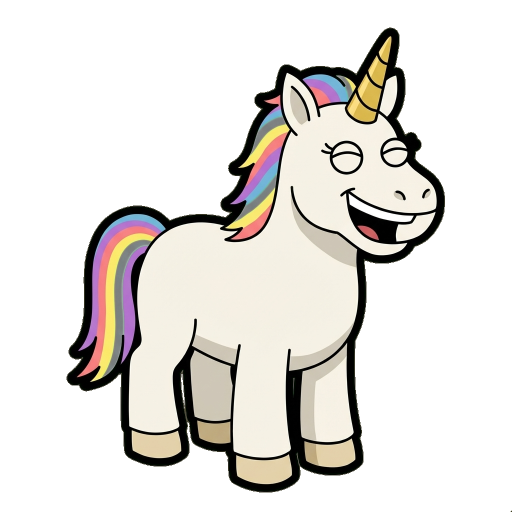
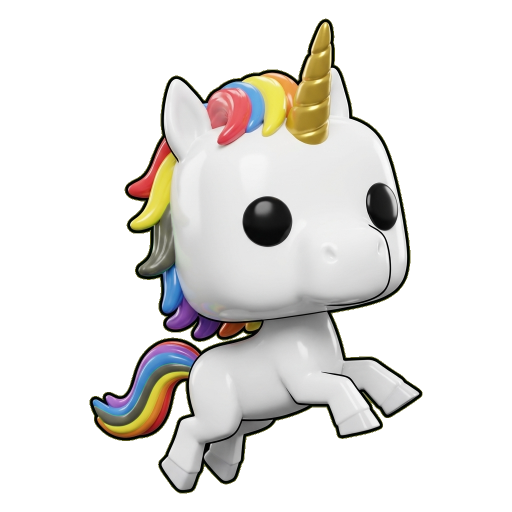
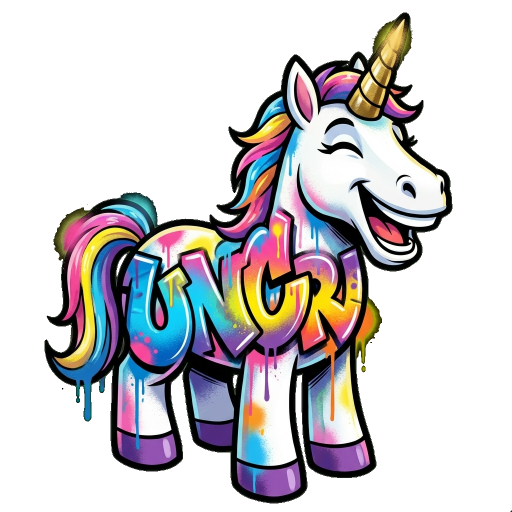
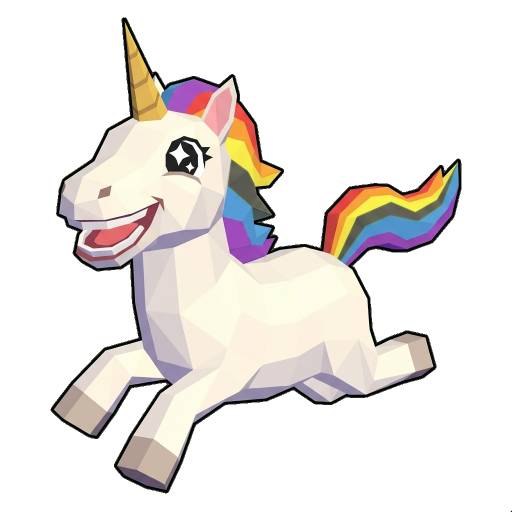
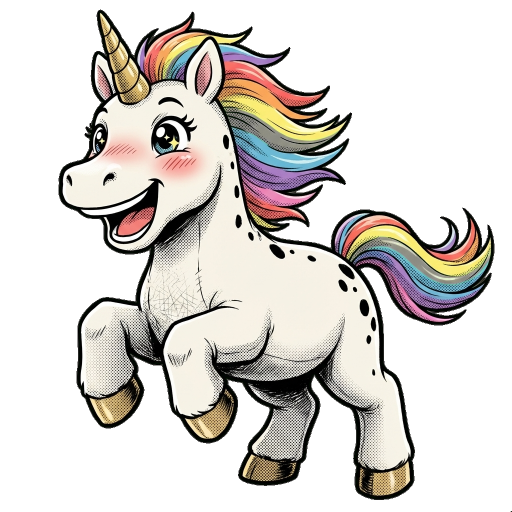
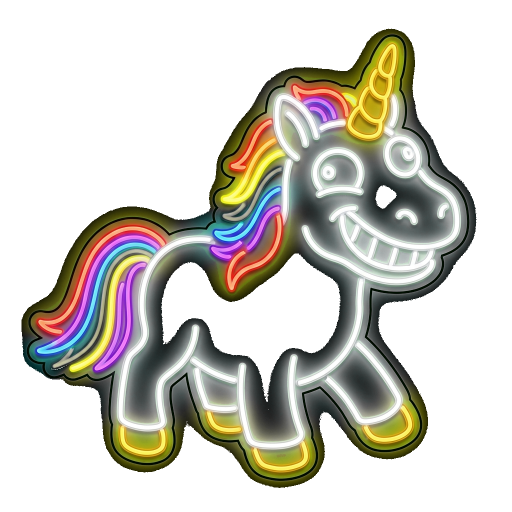
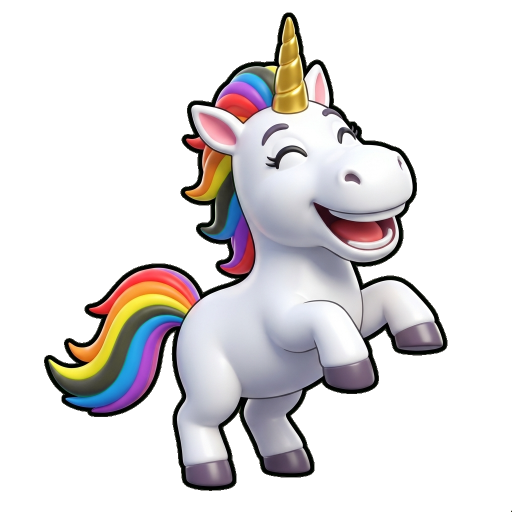
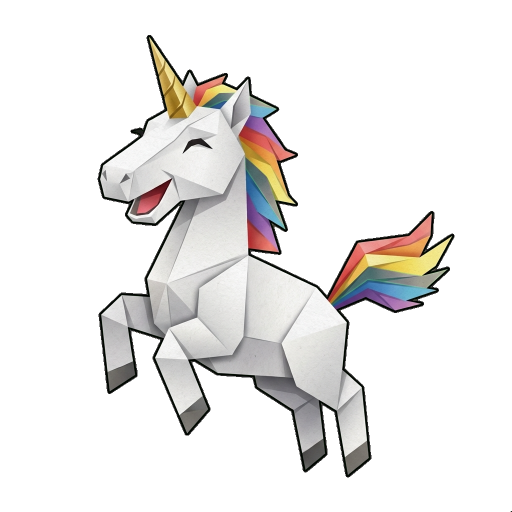
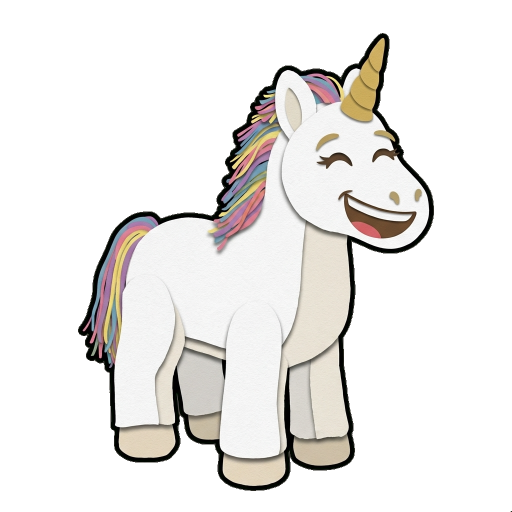
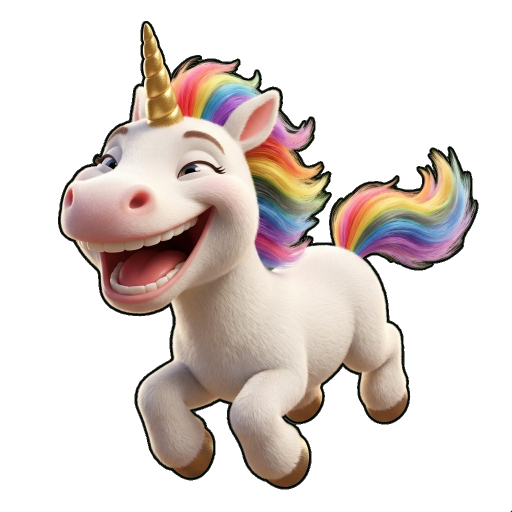
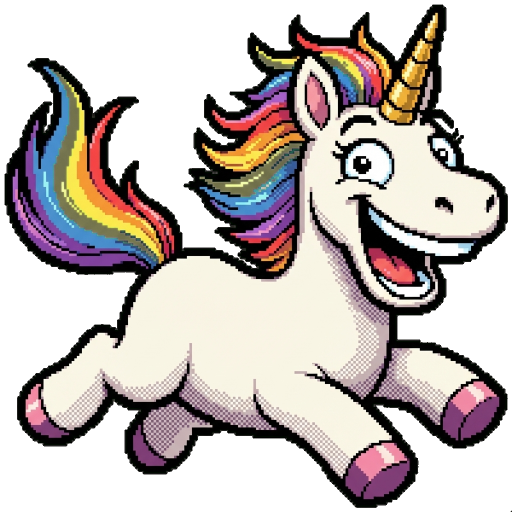
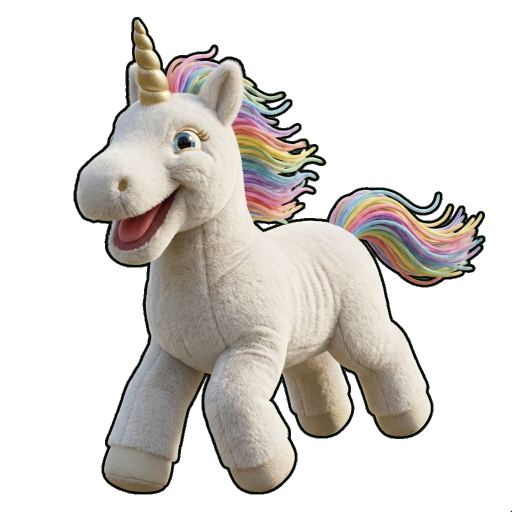
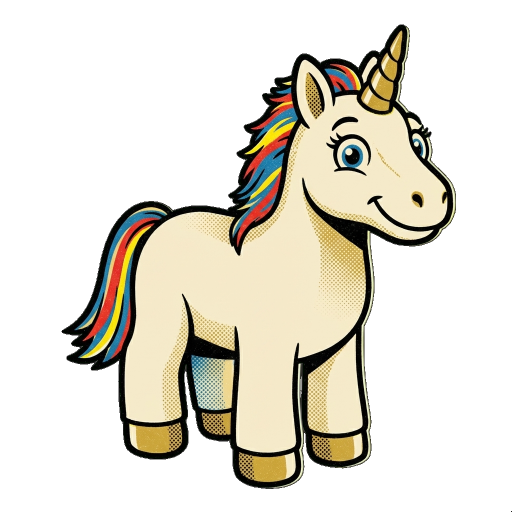
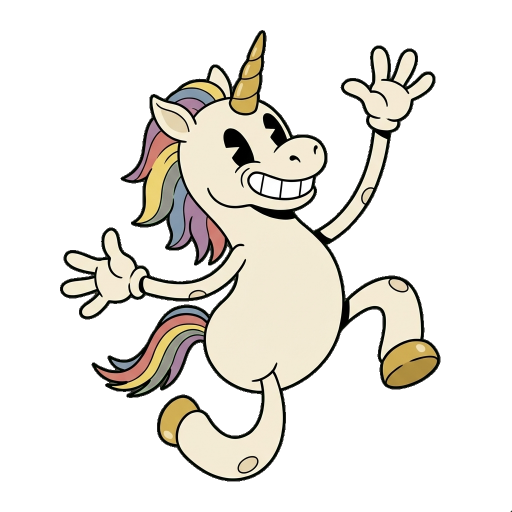
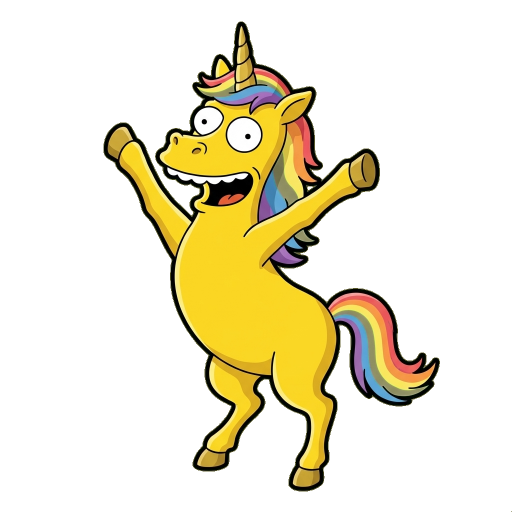
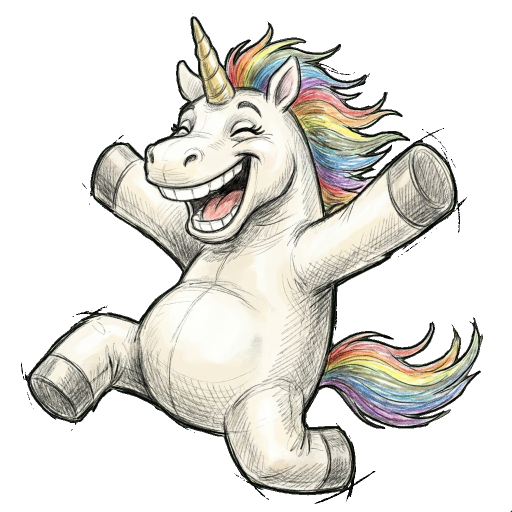
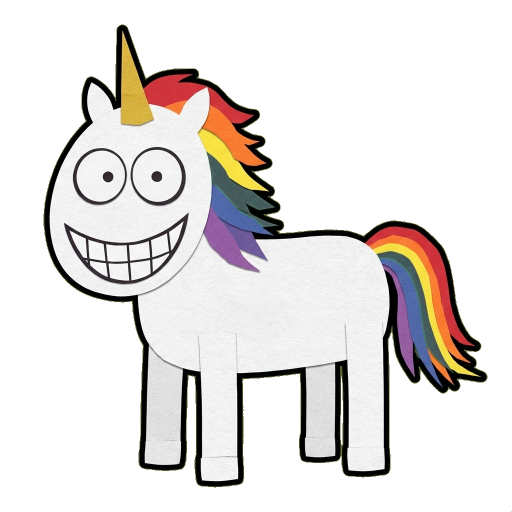
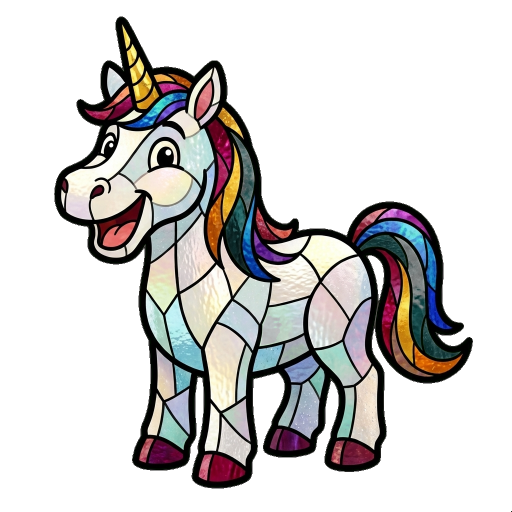
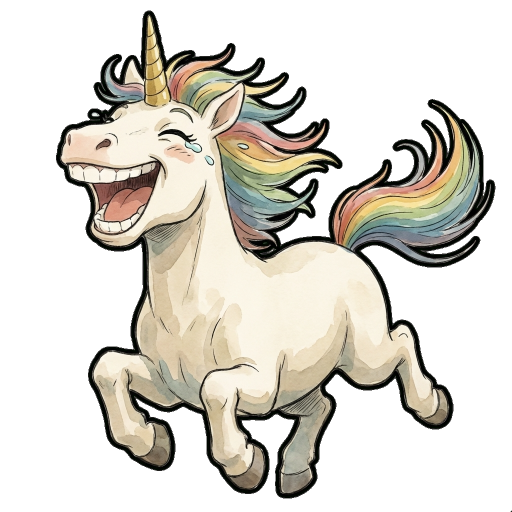
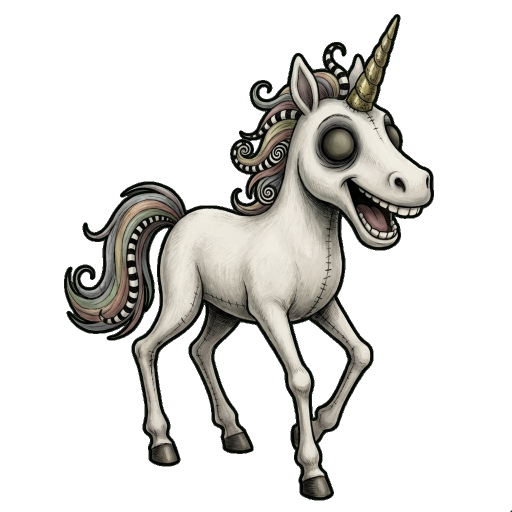
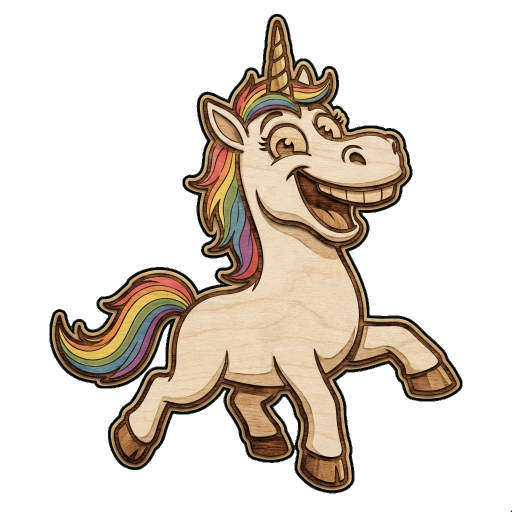
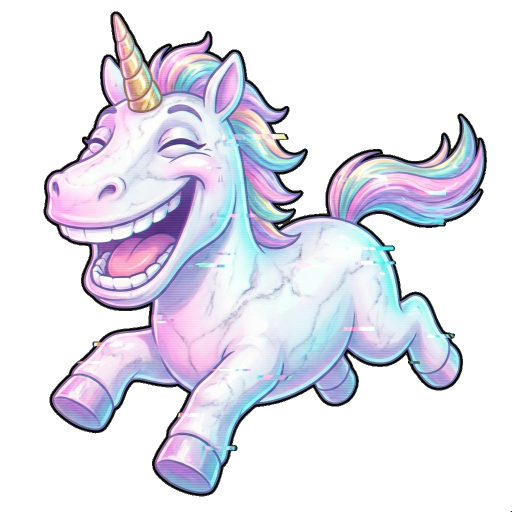
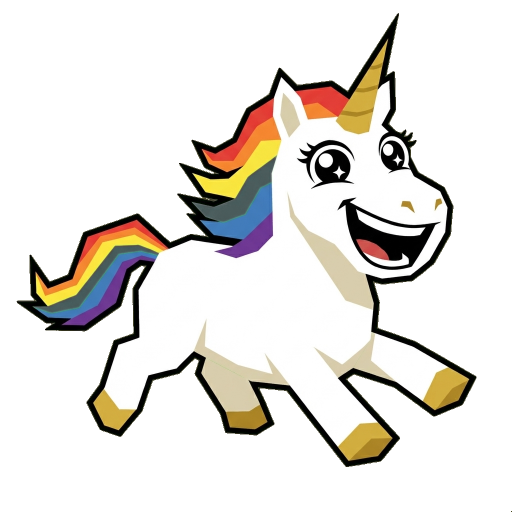
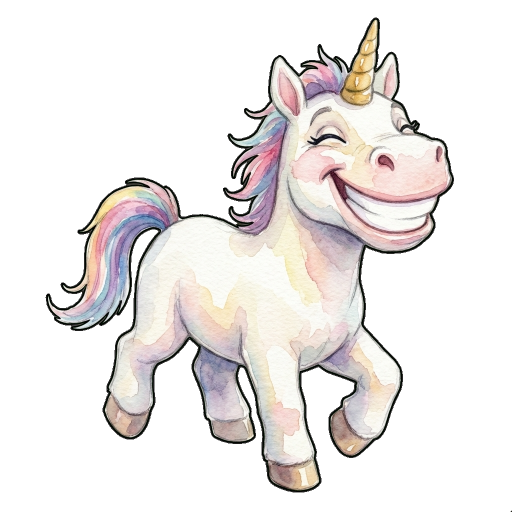
* Style names are descriptive references only. Not affiliated with or endorsed by trademark owners.
Custom emoji stickers are personalized images created from your photos that match emoji expressions. They combine the personal touch of a photo with the expressive nature of emoji reactions. Perfect for messaging apps and team communication.
Regular emoji are standardized Unicode characters (😄 😂 😍). Custom emoji stickers are personalized images you create, featuring your own face, pets, or brand. They're uploaded to platforms like Discord or Slack as custom reactions.
As images: yes, anywhere. As custom emoji: depends on the platform. Discord, Slack, and Microsoft Teams support custom emoji uploads. On other platforms like WhatsApp or iMessage, use them as regular image stickers.
For a complete reaction set, we recommend 10-20 emoji covering different emotions: happy, sad, angry, surprised, thinking, etc. This gives you enough variety for most conversations.
Absolutely! Pet emoji are very popular. Upload a clear photo of your pet and select emoji expressions. The AI will transform your pet to match each reaction, creating adorable custom pet emoji.
New users receive free credits to try the service. After that, we offer affordable Pro and Standard credit packages for continued emoji creation.
Start with free credits. No credit card required. Transform your photos into personalized emoji reactions in minutes.
✨ Create Emoji NowPowered by Google Gemini AI • Over 30 art styles • Free credits for new users