Transform your photos into professional Discord stickers and emoji in seconds. Works with standard and Nitro accounts. Perfect for your server community.
Free credits for new users • No credit card required • Over 30 art styles
Love our sticker creator? Share it with friends and earn 5 Pro Credits when they purchase $9+. They get 5 Pro + 10 Standard Credits as a welcome bonus!
It's a win-win! Unlimited uses per code. Start earning today.
Give your Discord server unique personality with custom stickers. Perfect for gaming clans, communities, and friend groups.
Create custom reactions featuring your community members, inside jokes, or mascots. Make every conversation more fun. Learn to create funny reaction stickers.
Discord Nitro users can upload high-res stickers (up to 4096×4096px) and use animated formats for premium effects.
Generates 512×512 pixel stickers perfect for standard Discord accounts. Transparent backgrounds work beautifully in any Discord theme.
High-quality exports work perfectly with Discord Nitro's enhanced sticker features and larger file size limits.
Pure transparent backgrounds blend seamlessly with Discord's interface. No awkward white boxes or backgrounds.
Works as both server stickers and custom emoji. Perfect for reactions, expressions, and inline chat images.
Choose a clear photo of yourself, friends, community members, or mascots. Best results with well-lit photos and clear subjects.
💡 Tip: Photos with expressive faces work best for Discord reactions
Select from over 30 AI art styles and pick emoji reactions. The AI transforms your photo to match each expression.
💡 Tip: Mix styles within your server for variety, or keep consistent for cohesive branding
Click "Generate Stickers" and watch as AI creates your custom Discord stickers with transparent background.
⚡ Generation takes less than 30 seconds per sticker
Download individual stickers or use "Download All (Zip)" to get your complete collection. Ready for Discord upload.
💾 Files are PNG with transparency - perfect for Discord stickers and emoji
Add your stickers to your Discord server:
📱 Standard: 50 emoji slots, Nitro: 250 emoji slots per server
Note: ImageSticker.pro generates 512×512px stickers with transparent background - perfect for both standard Discord and Nitro accounts. Files are optimized to stay under Discord's size limits.
| Feature | Standard Discord | Discord Nitro |
|---|---|---|
| Max Resolution | 320×320px (min) | 4096×4096px |
| Animated Stickers | ❌ Not supported | ✅ Lottie JSON |
| Server Emoji Slots | 50 slots | Up to 250 slots (with boosts) |
| Server Sticker Slots | 5 stickers | 60 stickers (Level 3 boost) |
| File Size Limit | 512 KB | Larger limits |
Choose from a wide variety of artistic styles to match your server's vibe
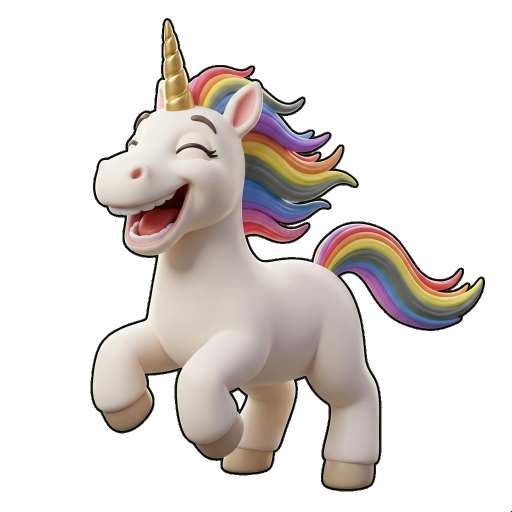
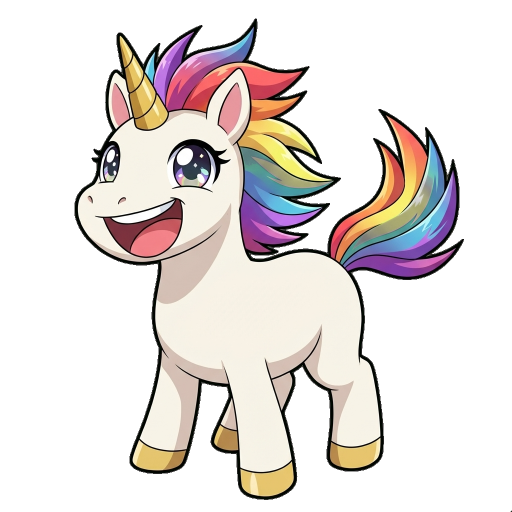
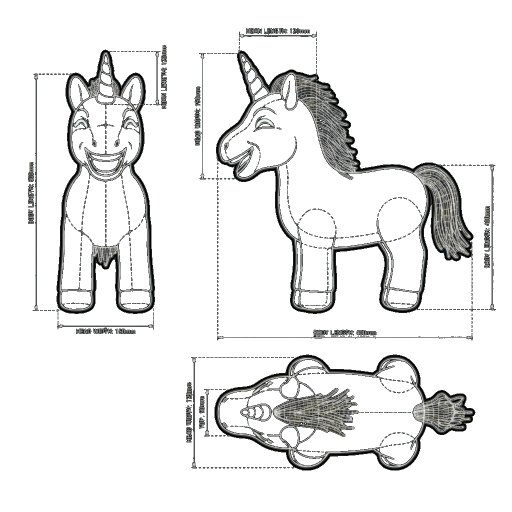
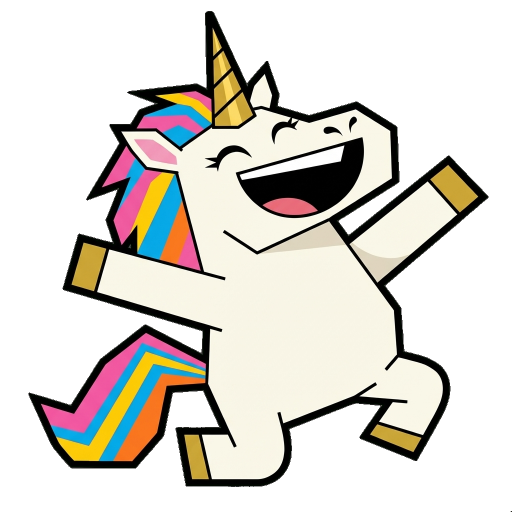
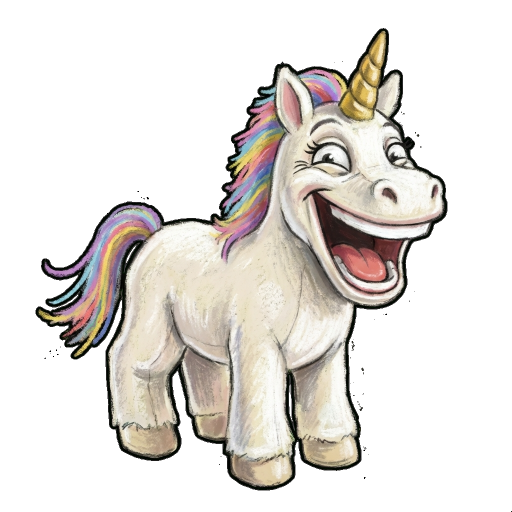
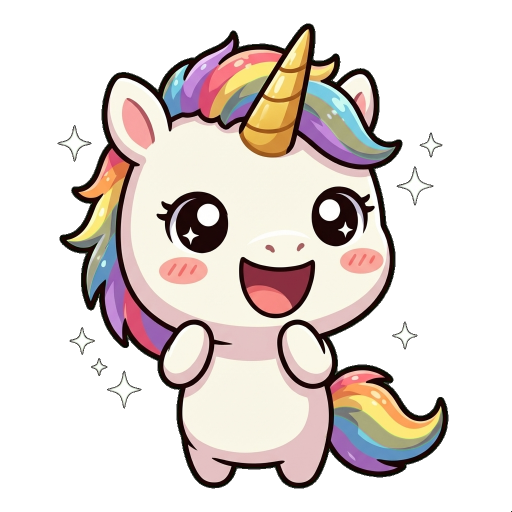
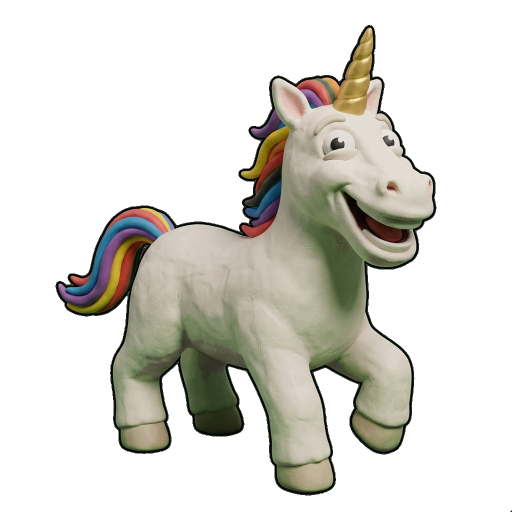
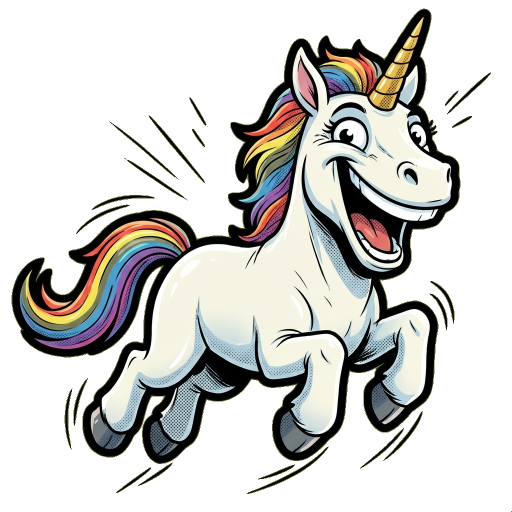
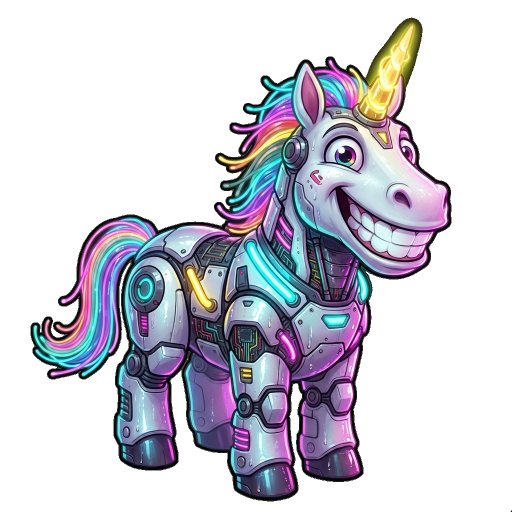
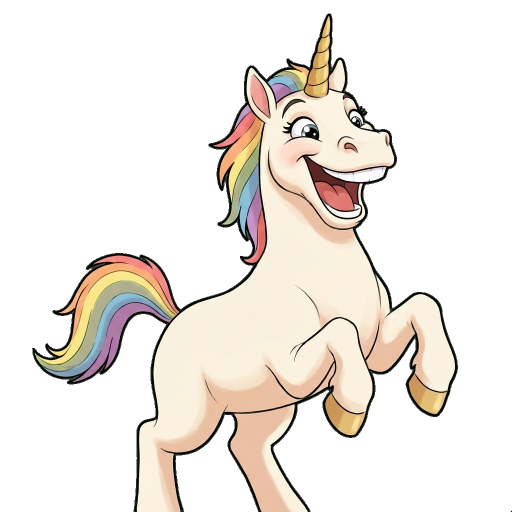
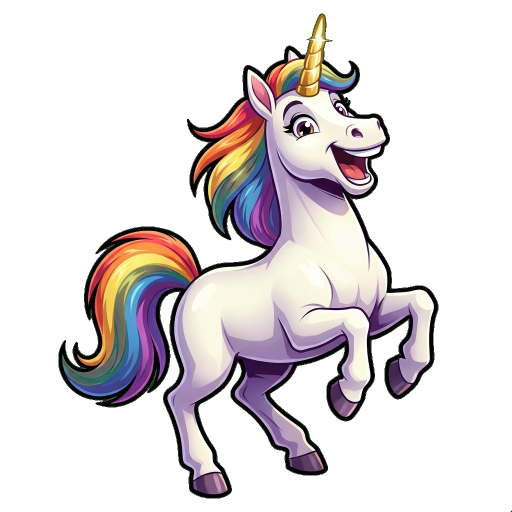
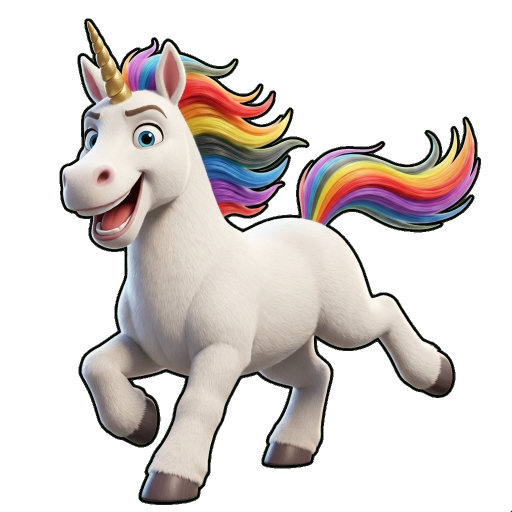
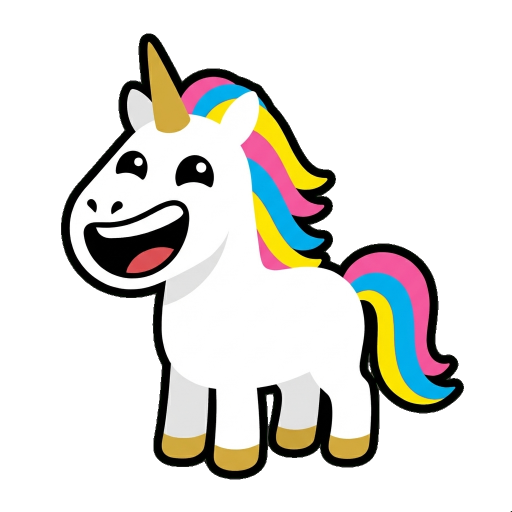
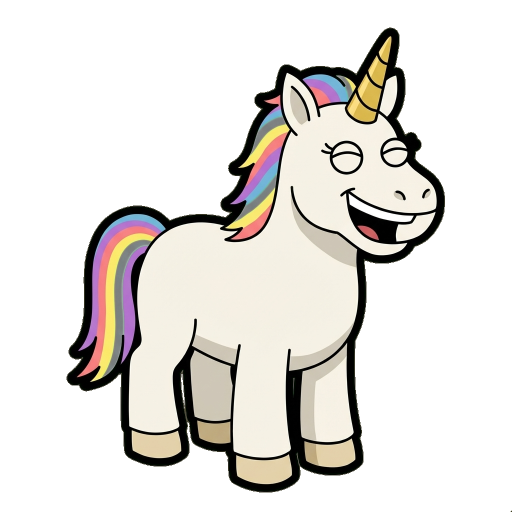
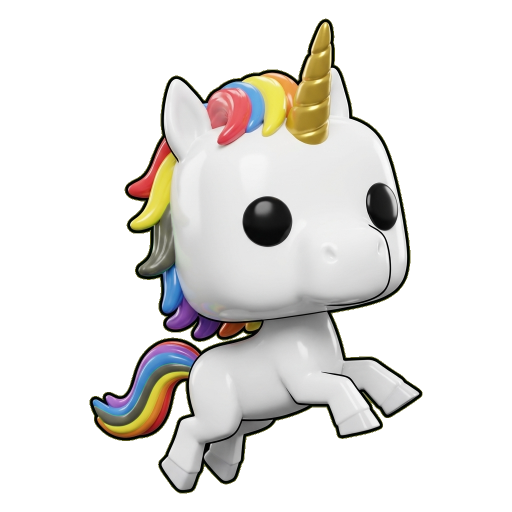
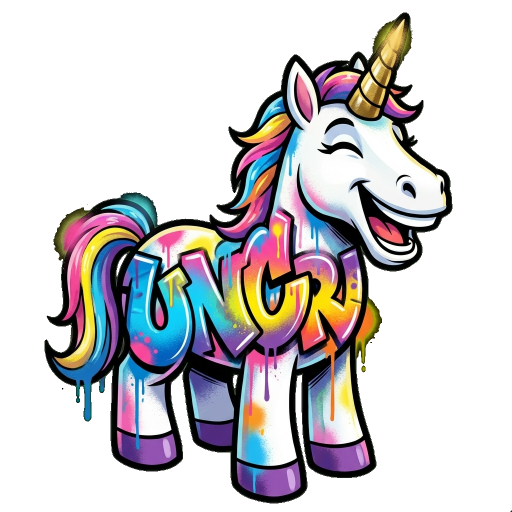
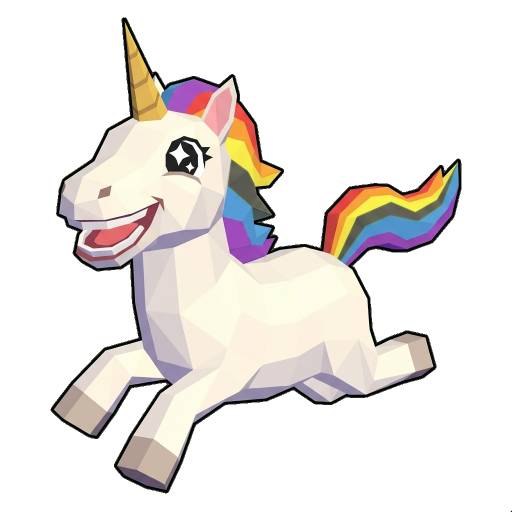
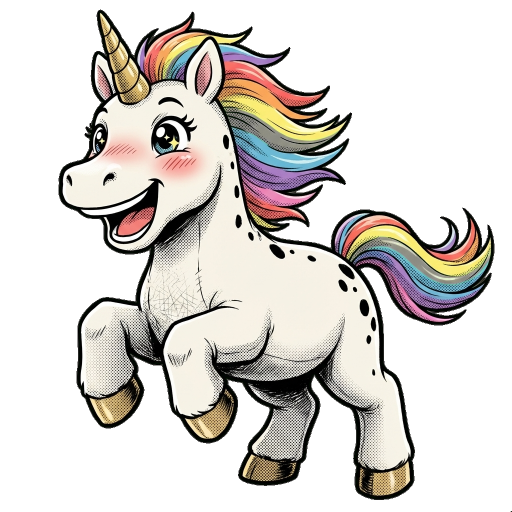
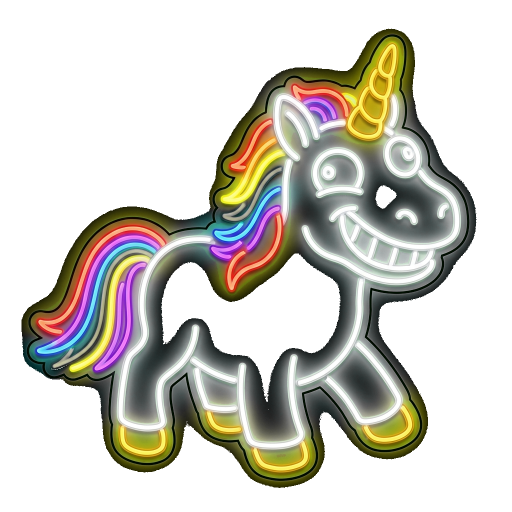
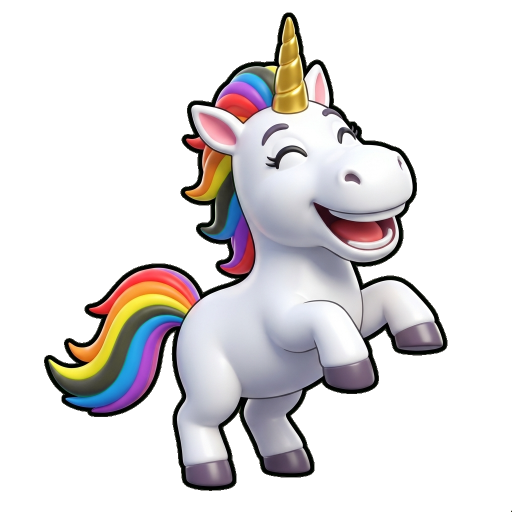
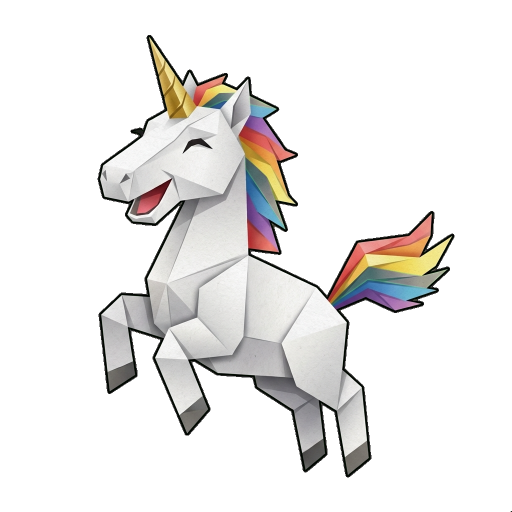
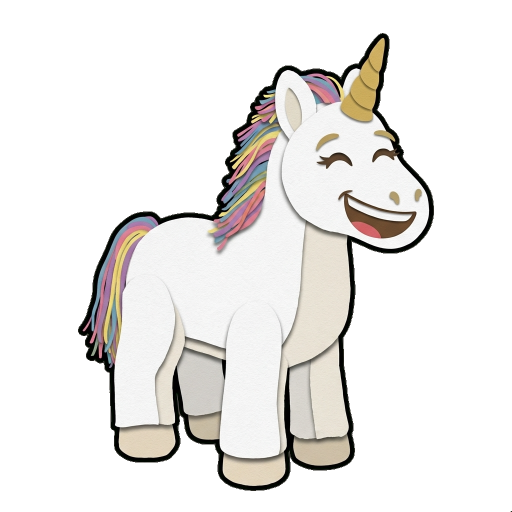
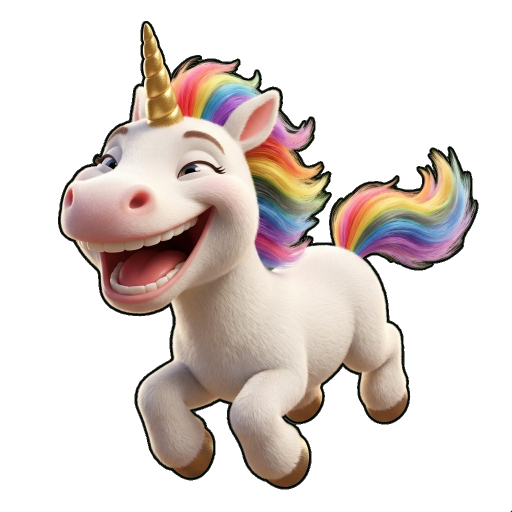
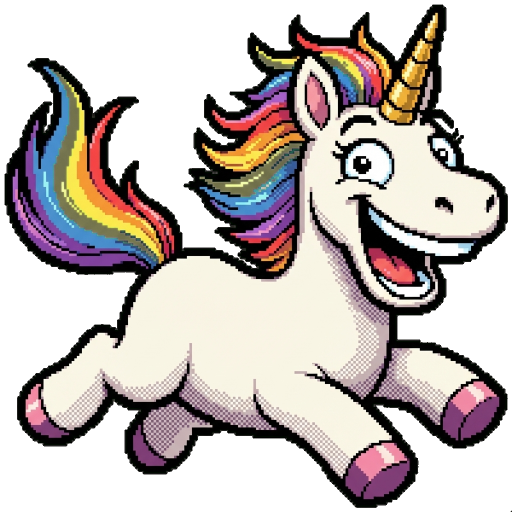
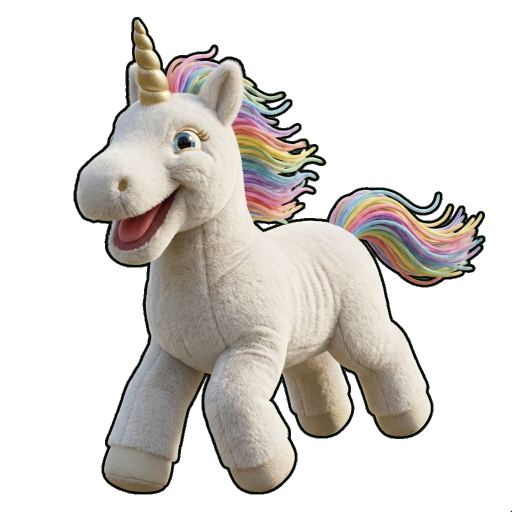
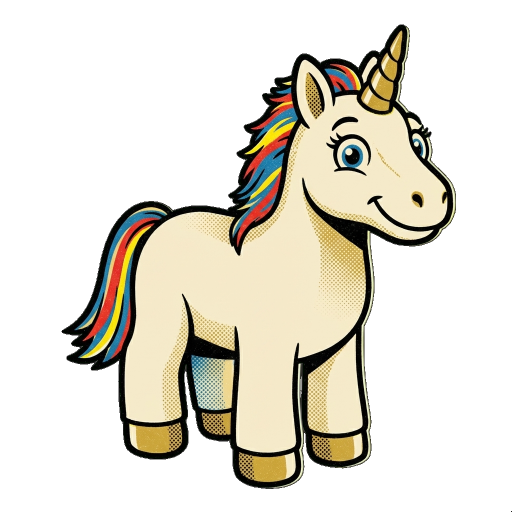
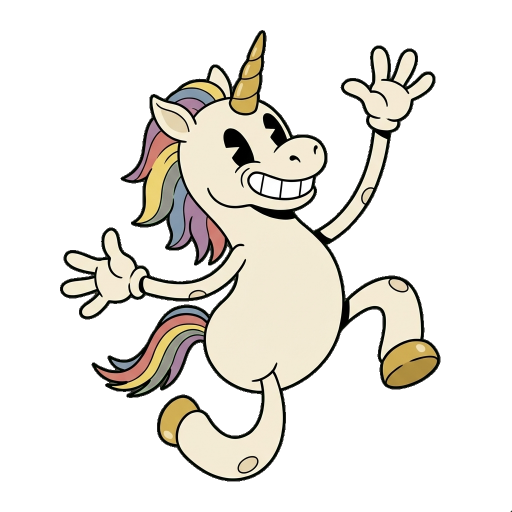
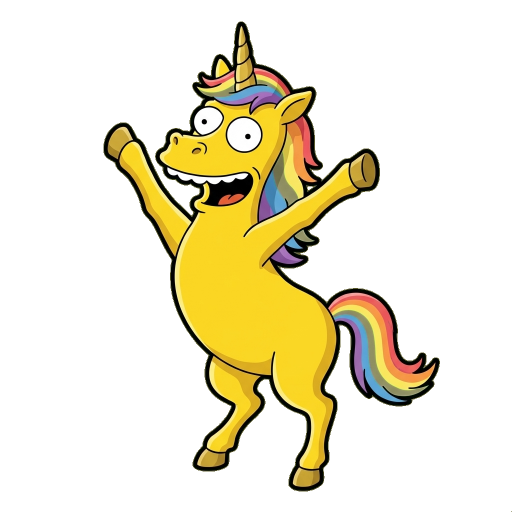
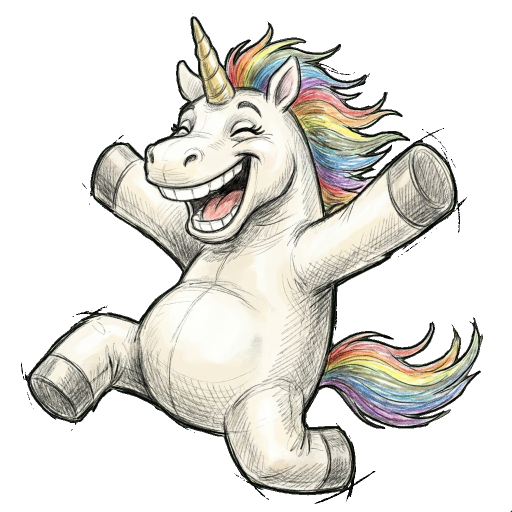
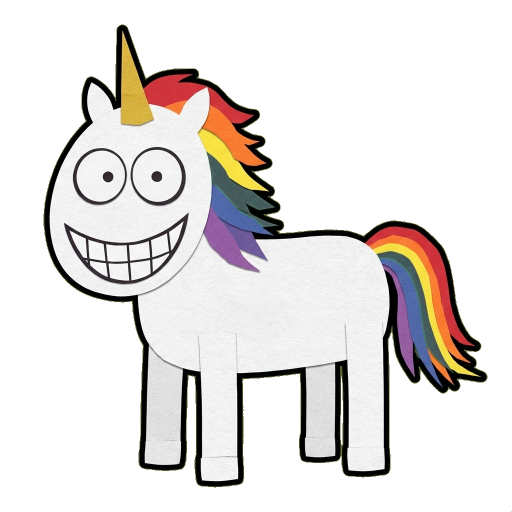
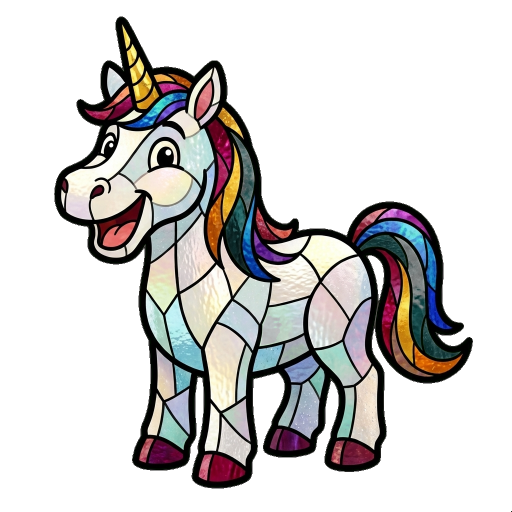
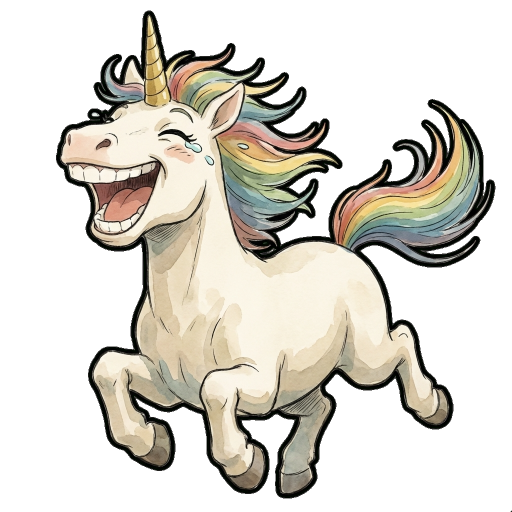
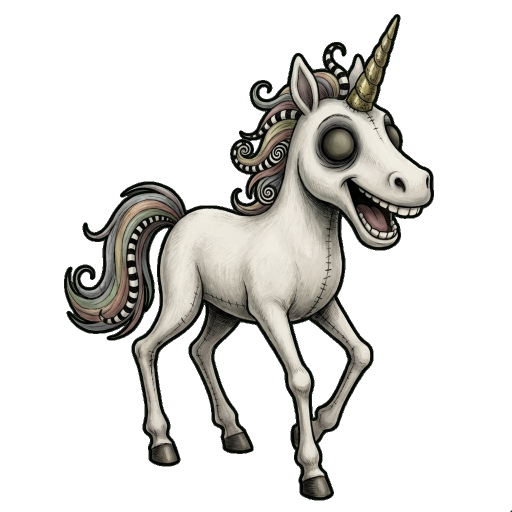
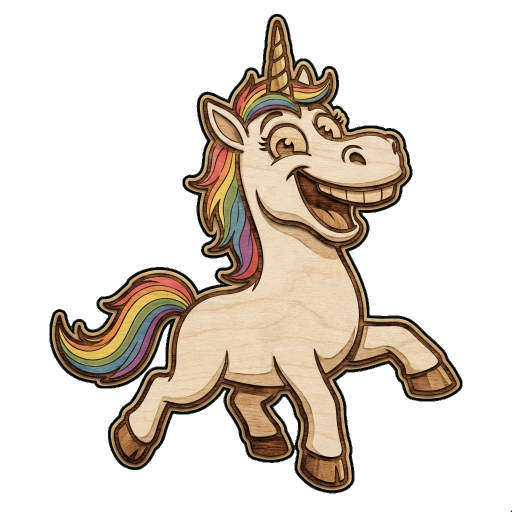
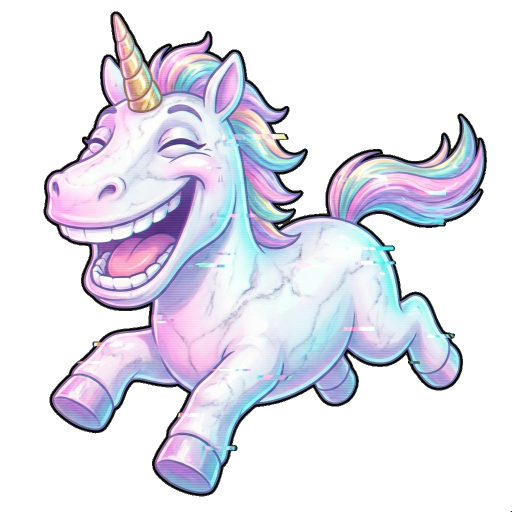
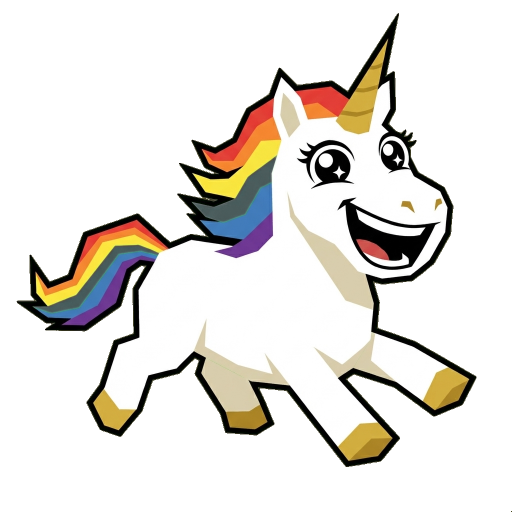
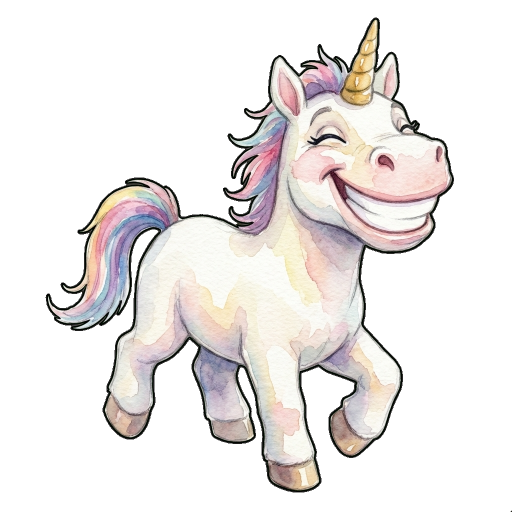
* Style names are descriptive references only. Not affiliated with or endorsed by trademark owners.
No! Standard Discord accounts can upload and use custom stickers (up to 5 per server). Nitro gives you more slots (60), larger file sizes, and animated sticker support, but it's not required.
Currently, ImageSticker.pro generates static PNG stickers. Animated stickers require Discord Nitro and Lottie JSON format. Our stickers work perfectly for both standard and Nitro accounts as static stickers.
Emoji are smaller (typically used inline in text) and have 50-250 slots per server. Stickers are larger images sent as standalone messages, with 5-60 slots per server depending on boost level.
Free servers get 5 sticker slots. Server boosts unlock more: Level 1 (15 stickers), Level 2 (30 stickers), Level 3 (60 stickers). Emoji slots are separate (50 for free, up to 250 with boosts).
Yes! Stickers are exported at 512×512 pixels with transparent background - perfect for Discord. This resolution works for both standard Discord (320px minimum) and Nitro (up to 4096px maximum).
New users receive free credits to try the service. After that, we offer affordable Pro and Standard credit packages for continued sticker creation.
Start with free credits. No credit card required. Build your server's sticker collection in minutes.
✨ Create Stickers NowPowered by Google Gemini AI • Over 30 art styles • Free credits for new users